
Short answer
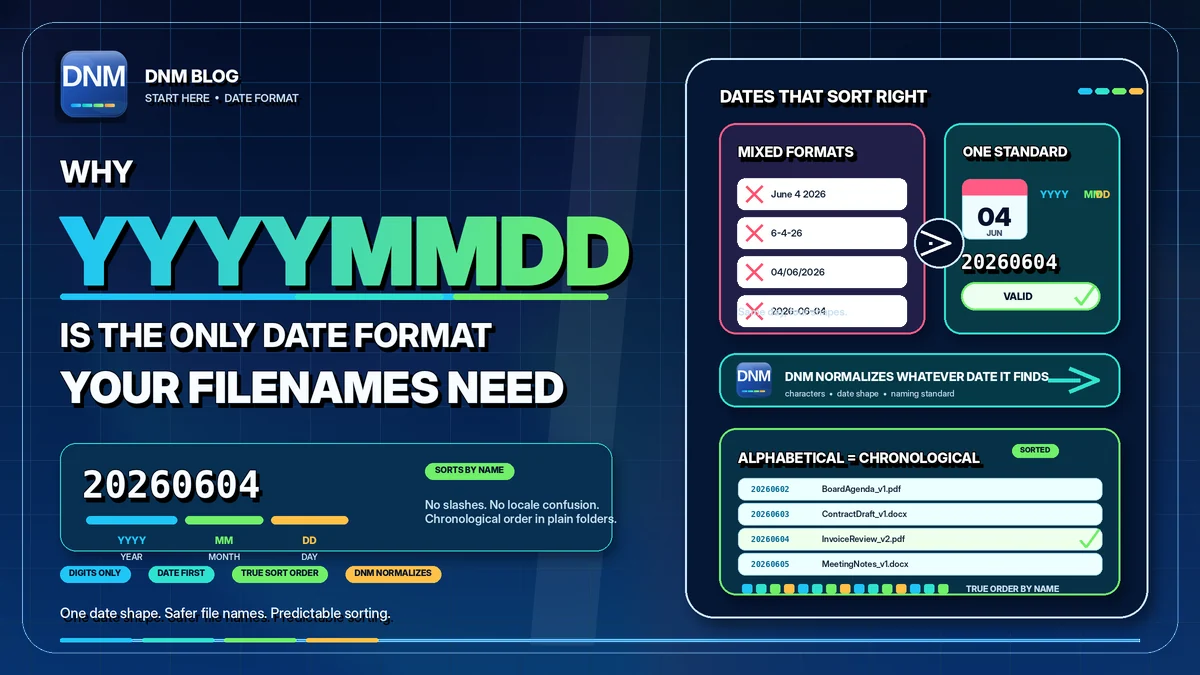
DNM uses YYYYMMDD: a four-digit year, two-digit month and two-digit day, so June 4, 2026 becomes 20260604. This compact year-first format sorts chronologically when compared at the same position in a name. Fixed-width YYYY-MM-DD sorts the same way and its hyphens are valid in filenames; DNM uses the compact form to keep its naming standard consistent.
Why do year-first dates help with name sorting?
Dates such as 6-4-26 are ambiguous across regional conventions. Day-first and month-first strings also do not reliably order multiple years when sorted as text. A fixed-width year-first form makes the intended order easier to preserve without asking the file browser to interpret a date embedded in a name.
How does YYYYMMDD fix the sort?
The year comes first, followed by a two-digit month and day. For example, 20260131, 20260604 and 20270102 sort in chronological order as text. Fixed-width YYYY-MM-DD works too. This describes name sorting, not sorting by a file's Created or Modified column. Your browser or library view may use a different sort until you select it.
Why is YYYYMMDD the Microsoft 365 safe choice?
Slashes are invalid in Windows filenames, while hyphens are allowed. YYYYMMDD avoids that distinction by using eight digits and keeps the date compact. The rest of the filename and its full destination path still need validation. See the DNM Standard for character and naming guidance.
Where does the date sit in a filename?
A date is most useful when it has a fixed seat in a larger pattern. DNM's General standard puts the Division first, then the date, then a plain Description, then a short Type code:
STRATA1234_20260604_Roof-Inspection_RPT.pdf
- STRATA1234 is the Division: the client, case, property, project, or claim the file belongs to, usually carrying a reference number.
- 20260604 is the date in YYYYMMDD, so it sorts by date within matching Division prefixes when sorted by name.
- Roof-Inspection is the Description, plain words joined by hyphens.
- RPT is the Type, a short code such as INV, RPT, PHOTO, or LGL.
The date comes second, right after the Division. Files for one client stay grouped, and inside that group they follow the filename date when sorted by name. Other standards may use a different field order.
The rules that keep dates clean
- Four digits for the year. Write 2026, not 26. Two-digit years sort fine within a century but invite confusion the moment the century turns over.
- Pad months and days with a zero. 4 becomes 04. Skip the zero and the 11th of the month sorts ahead of the 4th, which defeats the whole point.
- Use DNM's compact form consistently. Keep the underscore for dividing the date from the segments around it, not the day from the month.
- Date the file, not the save. When they differ, write the date the document is about, not the day you happened to click save.
How do you apply YYYYMMDD to every file without typing it?
Knowing the format is the easy part. A saved format can reduce repeated typing, but the correct date still needs your judgment. DNM can suggest dates from available naming inputs and formats the selected date as YYYYMMDD. Check that it is the date you intend to use, edit it if needed, and review the complete name before saving. Preview the exact pattern in the naming convention generator, then download DNM and start a free 14-day trial on your own files.
Related reading
- How to name files so you can actually find them
- The 12-character rule for file names that scale
- Get your files Microsoft 365 ready before you migrate
- A naming convention small teams will keep
- Free naming convention generator
- The DNM file naming standard
- File Name Chaos Analyzer
Common questions
Is YYYY-MM-DD invalid in filenames?
No. Hyphens are valid and a fixed-width YYYY-MM-DD date sorts chronologically too. DNM uses YYYYMMDD for a consistent compact format.
Which date should I choose?
Agree on a rule for your workflow, such as the document's issue date. Check suggestions rather than assuming the file's save or modified date is the date you need.