
Short answer
I built DNM (Document Naming Manager) to address a focused problem: giving everyday files consistent, useful names. It shipped before EMP Intake, but it stands on its own as a local Windows naming tool. You do not need EMP to use DNM, and the products serve different workflows.
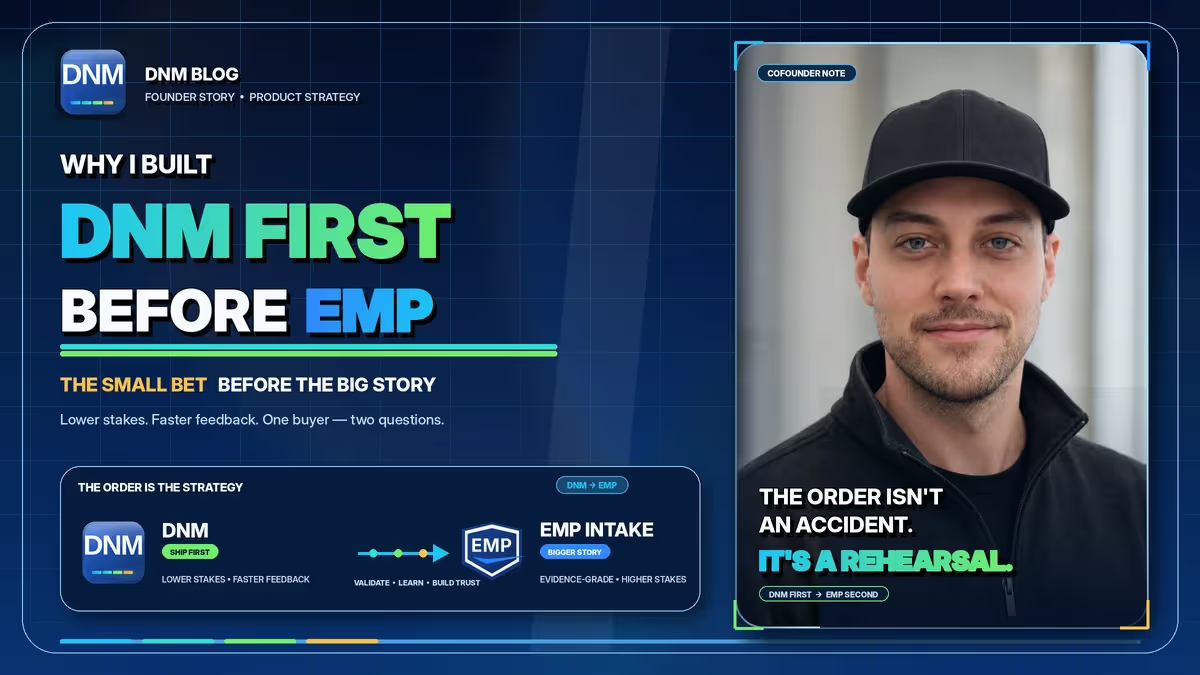
DNM addresses the naming step: choosing a useful structure, reviewing the fields and saving files where you need them. EMP Intake addresses a separate evidence-management workflow. Keeping those purposes distinct lets people choose the product that fits the job.
Why start with a focused naming tool?
A focused product has a clear question to answer: can someone take an incoming file, understand the suggested name and save it with the context a colleague will need later? That is useful work on its own, whether or not the customer ever needs an evidence-management product.
What problem does DNM address?
A name such as scan1.pdf says little about its contents. A consistent reference, document date and description can make that file easier to recognize. The goal is a practical naming step for everyday work, not a requirement to adopt a larger system.
That answer is a saved standard for users to review before saving. DNM suggests names using the DNM Standard, the pattern Division_YYYYMMDD_Description_TYPE_001.ext in the General standard (other standards may put the type code before the description). A Division leads (the client or matter, with a reference like STRATA1234), then a sortable YYYYMMDD date, then a plain-words Description, then a short Type code such as RPT or CORR, with the extension preserved.
Import a folder, review the suggested fields and save: scan1.pdf and invoice (2) FINAL.pdf can become structured names that support sorting and search, with checks to help them prepare for Microsoft 365 by flagging common naming restrictions. Test the destination and any migration workflow too. The rest of the toolset lives on the features page.
Why keep DNM's scope focused?
This is the reason I think about most. DNM keeps the naming decision on the user's machine and presents suggestions for review before saving. File names can matter to records, search and downstream systems, so review and recovery controls belong in the workflow. DNM is not an evidence-management or backup system.
Starting with a focused naming product let me work closely on its rules, review workflow and everyday usability. Feedback helps improve DNM for its own customers. That responsibility stands on its own; DNM is not a test environment for another product.
Why keep separate product sites?
DNM and EMP serve different needs, so each has its own product information and support context. The DNM and EMP page explains their relationship. DNM remains useful as a standalone naming app; using it does not commit you to an EMP workflow.
If consistent file names are the problem you need to solve, you can download DNM and run the free 14-day trial with no card required. The cost-of-file-chaos calculator can also help you explore a scenario using your own estimates; it does not scan a folder or measure actual losses.
Related reading
- How to name files so you can actually find them
- Why YYYYMMDD is the date format filenames need
- Get your files Microsoft 365 ready before you migrate
- How the Strata naming standard came together
- Free naming convention generator
- The DNM file naming standard
- DNM and EMP Intake
Common questions
Do I need EMP Intake to use DNM?
No. DNM is a standalone Windows naming application.
Is DNM an evidence-management system?
No. DNM focuses on local naming suggestions, review and saving. It is not an evidence-management or backup system.