
Short answer
Manual naming can work for individuals and teams with a clear convention. DNM adds saved naming fields, suggestions and validation for files you bring into the app. It still requires correct inputs and review before saving.
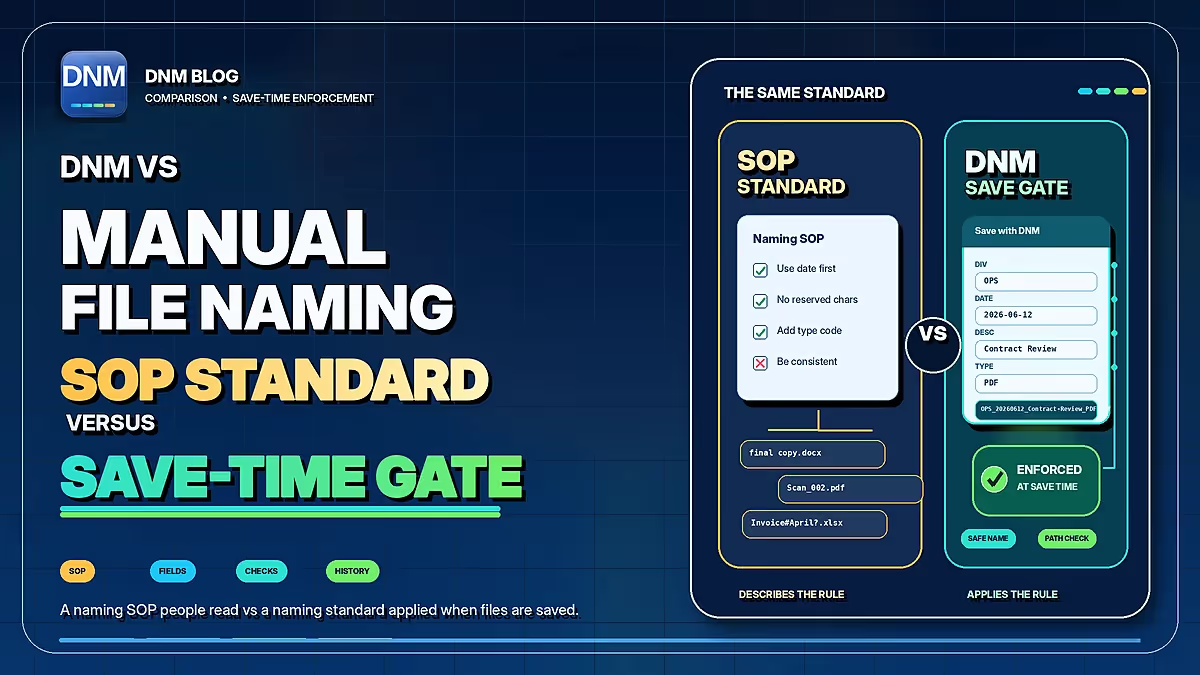
| Workflow | DNM | Manual naming |
|---|---|---|
| Where rules live | 12 built-in standards plus custom fields | A written convention, checklist or shared template |
| Applying a name | You review fields and save selected files through DNM | You type or paste a name in the application or file manager |
| Repeated work | Saved presets and policy import/export | Reuse the convention and examples; people apply them |
| Incoming files | Watch Folder queues files while DNM runs; you review and save | People choose when to name and file each document |
| Recovery | Eligible recent saves only; retention up to 7 days, subject to settings, storage limits and unchanged files | Depends on the application, file manager and backups |
| Consistency | Depends on configuration and correct reviewed inputs | Depends on following the convention and checking the result |
Documented workflows, not a performance ranking. Review settings and proposed names, and keep normal backups. Checked September 22, 2026. Naming standard reference · DNM features · DNM pricing
When manual naming is enough
For occasional documents or unusual cases, typing a name directly may be the simplest choice. You can follow a written convention without installing another app. Human judgment remains essential whether you type the name or start from a suggestion.
A team can use manual naming successfully when the rules are accessible and colleagues understand the same client references, dates and revision labels. Adding a second person does not automatically make a naming tool necessary.
Where repeated entry adds work
Recurring batches involve many of the same choices: field order, separators, date format and type codes. Re-entering those details creates opportunities for inconsistent abbreviations or missing fields. A short reference sheet and periodic review help; saved fields can reduce the repeated entry.
What DNM changes
DNM provides built-in standards and configurable naming fields. Import a batch or use Watch Folder to queue new arrivals while the app is running, then check the suggestions and save. It does not intercept other applications' Save dialogs or enforce a policy across the entire drive.
Configure the intended standard on each PC. Sharing a naming policy helps distribute settings, but it is not automatic team synchronization. The user still needs to choose the correct client, document date and description.
Checks and recovery
DNM can flag common Windows and Microsoft 365 naming and path issues for the supplied inputs. Test the final destination separately if another tool will move the files. Local naming and supported OCR do not upload documents to a naming service.
Recovery Vault can undo eligible recent saves with configurable retention up to seven days, subject to settings, storage limits and unchanged files. It is not a replacement for normal backups.
Choose based on your workload
Keep manual naming if it meets your needs. Try DNM if recurring files would benefit from saved structure and a review queue. A batch text-replacement tool can also be useful for a one-time correction. You do not have to use one method for every file.
Compare the DNM workflow, read the standard or build a pattern in the generator. Current plans are on the pricing page; the Windows trial lets you test your own examples.
Common questions
Does DNM replace a team's written convention?
No. Teams still need shared definitions and examples. DNM helps users apply those decisions to files they review in the app.
Should I use filenames instead of SharePoint metadata?
Use each where it helps. Metadata supports views and filtering within its system; a descriptive filename carries some context when the file is copied or attached elsewhere.
Does manual naming always fail on teams?
No. The right choice depends on volume, consistency needs and the review process. A tool is useful only if it improves that workflow.
Sources and review scope
- DNM workflow and features.
- DNM naming standard and field reference.
- Microsoft: Restrictions and limitations in OneDrive and SharePoint.
Reviewed September 23, 2026. Manual naming is a workflow, not a competing product. This article compares typed names with DNM's documented review-and-save workflow; it is not a measured speed or accuracy test.