
Short answer
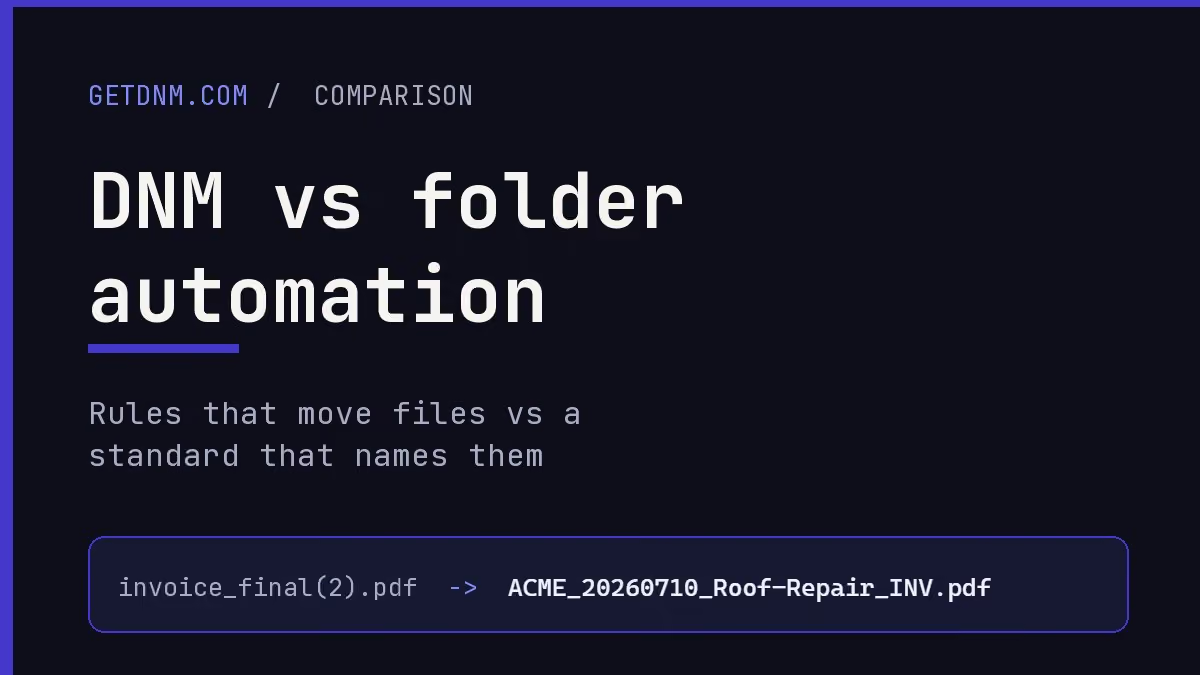
Folder automation tools can move, rename and process files according to rules. DNM also saves named files to a chosen destination, but its central workflow is user review of structured naming fields. There is overlap, so choose by the behavior you need rather than treating moving and naming as mutually exclusive jobs.
What the folder tools do
- Hazel watches folders on macOS and can organize, rename, tag and archive files using configured rules.
- File Juggler automates Windows file operations, including moving and renaming. Its documented rules can use information extracted from document content.
- DropIt is a free, open-source Windows tool for rule-based actions through a drop target or monitored folders.
If your requirements are already expressible as reliable rules and you want them applied without reviewing each arrival, evaluate those tools on representative files. Review their current features and license terms on the vendor sites.
What DNM adds to a reviewed workflow
DNM provides built-in standards and configurable fields for naming documents on Windows. Import files or enable Watch Folder to queue new arrivals while DNM is running. Check the Division, document date, description and type, then save.
DNM can move or copy a named file to the chosen destination as part of saving. Its naming warnings help identify common Windows and Microsoft 365 restrictions, but neither the warning status nor a quality check proves that the document will be found later or that a migration will succeed.
The standard reference explains the fields. Configure the intended policy on each PC and make sure colleagues understand the values; the software does not automatically enforce one convention everywhere.
Combining tools requires a tested handoff
There is no automatic integration promised here. Hazel runs on macOS, while DNM runs on Windows, so a Hazel-to-DNM workflow would require a separate cross-platform transfer. Windows tools can also interfere if they watch or rename the same files at the same time.
Define an intake folder, a review step and a separate output folder. Test who owns each step and when a file is ready for the next tool. Do not make DNM's watched input overlap its output.
Keep normal backups. DNM's Recovery Vault verifies eligibility before undoing a save; another tool changing, moving or deleting the file can make it ineligible. Recovery is not a guarantee that any combination of automation rules is safe.
Choose one tool if one is enough
If a folder tool already meets your naming and routing requirements, adding another application may not help. Try DNM when you need its structured fields and review queue. Compare the features, plans and Windows trial using the same sample files.
Common questions
Are folder automation tools only for moving files?
No. Tools such as Hazel and File Juggler also support renaming; File Juggler documents content-based rules.
Does DNM automatically save files detected by Watch Folder?
No. Watch Folder queues new files for review while DNM is running. Users check the suggestions and save.
Can I run two tools on the same intake?
Only after testing a clear order of operations. Avoid competing watchers or renamers, keep input and output separate, and preserve backups.
Sources checked September 21, 2026. This is a documented-workflow comparison, not a head-to-head performance test. Products and terms can change. Third-party names belong to their owners; Falcrex Systems Inc is not affiliated with or endorsed by them.