
Short answer
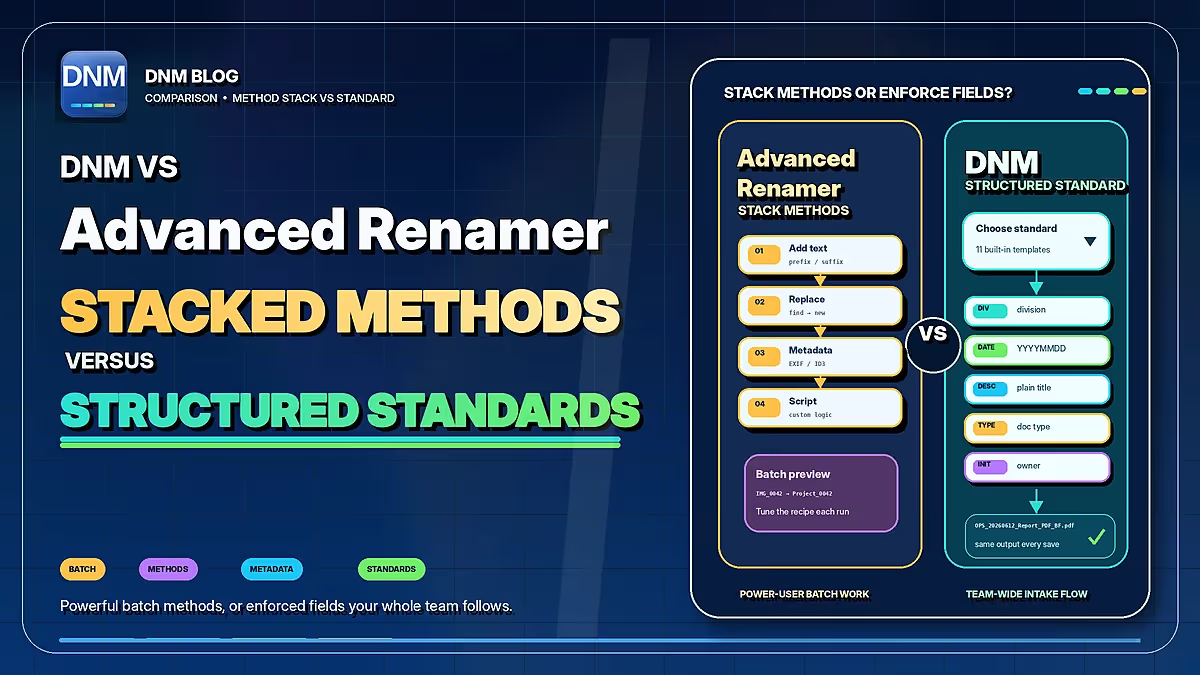
Advanced Renamer is a flexible batch-renaming tool with metadata-driven methods. DNM uses saved document fields and naming standards. Both can support repeated work; the distinction is how you define and review the result.
| Workflow | DNM | Advanced Renamer |
|---|---|---|
| Naming approach | 12 built-in standards plus custom fields | Combine renaming methods and metadata tags |
| Review | Review suggested names, then save | Preview names before running a batch |
| Repeated work | Saved presets and policy import/export | Saved presets and a command-line batch runner |
| Platforms | Windows 10 and 11, 64-bit | Windows and macOS |
| Recovery | Eligible recent saves only; retention up to 7 days, subject to settings, storage limits and unchanged files | Batch undo; keep normal backups |
| Choosing a tool | Try structured document-field review | Try reusable methods for metadata-driven batches |
Documented workflows, not a performance ranking. Review settings and proposed names, and keep normal backups. Checked September 22, 2026. Advanced Renamer documentation · DNM features · DNM pricing
When a method-based batch fits
Imagine a photo collection whose useful date and location are in its metadata. Advanced Renamer supports multiple methods, EXIF and other metadata tags, preview and batch undo. It runs on Windows and macOS. It also supports saved presets and a command-line batch runner, so describing it as one-off or manual-only would be inaccurate.
That is a useful approach when you want to build a specific transformation and reuse it. Check which metadata fields are actually present in your files before relying on them.
When structured document fields fit
DNM is a Windows application. Choose a standard, import files and review fields such as the client reference, document date, type and description. Watch Folder can queue new arrivals while DNM is running; you still review and save them.
A built-in standard gives the team a starting structure. It does not choose the correct business context on its own. Configure each PC consistently and explain which date and reference users should select. The DNM standard documents the naming fields, and the generator lets you preview a policy.
Check the license for your use
Advanced Renamer's license terms allow free casual or occasional personal use. Frequent personal use requires a personal license; business, government and non-profit use requires a commercial license. “Free for personal use” without that qualification is incomplete.
DNM's current plans are on Pricing. Compare the terms that apply to your actual users and devices rather than relying on an old price quoted in a blog post.
Test the whole workflow
For either tool, use a representative batch and inspect every proposed name before a bulk operation. A metadata timestamp may not be the document date your convention requires. Preview, undo and recovery features do not replace normal backups.
DNM adds common Windows and Microsoft 365 naming checks for the supplied inputs. It does not guarantee that a later destination or migration will work. Naming and supported OCR are local; the trust page distinguishes document processing from licensing and update connections.
Choose Advanced Renamer if its methods and metadata controls fit your requirements. Try DNM if its document-field review is more useful to your team. The DNM trial lets you evaluate that distinction with your own files.
Common questions
Is Advanced Renamer only for one-off manual jobs?
No. The vendor documents saved presets and a command-line batch runner as well as interactive batches.
Is Advanced Renamer free for every personal user?
No. Its terms distinguish casual or occasional personal use from frequent personal use. Check the current vendor license before deployment.
Does DNM guarantee the same output regardless of context?
No. Suggestions depend on the saved configuration and current inputs, including sequence values. Review the result before saving.
Sources checked September 21, 2026. This is a documented-workflow comparison, not a head-to-head performance test. Products and terms can change. Third-party names belong to their owners; Falcrex Systems Inc is not affiliated with or endorsed by them.